
In restoration, documentation isn't a nice-to-have — it's the job. Carriers won't pay for work they can't verify, and the drying, demo, and rebuild you did last week is invisible once the walls are back up. The photo file is the only thing standing between you and a denied or underpaid claim.
Document the loss before you touch it

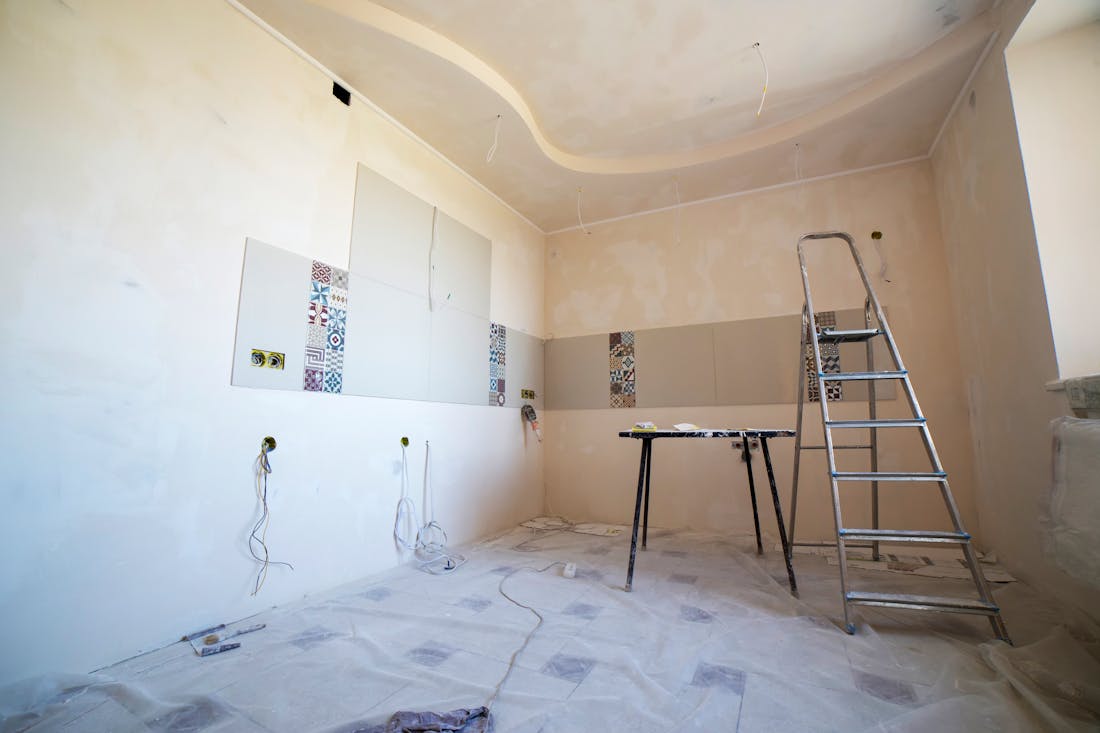

The moment you arrive, before any water extraction or demo, capture the full scope of the loss. Wide shots of every affected room, close-ups of standing water, saturated materials, and the source. This 'day one' set establishes the extent of the damage the carrier is on the hook for.
Capture what gets removed and hidden
- Moisture readings and affected materials before demo
- What you removed — drywall, flooring, insulation — with the damage visible
- Equipment placement: air movers, dehumidifiers, and containment
- Drying progress over time, so the carrier sees the process, not just the bill
Photograph the dry-out timeline
Restoration is one of the few trades where the passage of time is part of the claim. Time-stamped photos across the drying period prove the equipment ran, the materials dried, and the days you billed were real. A carrier that can see the timeline doesn't argue with it.
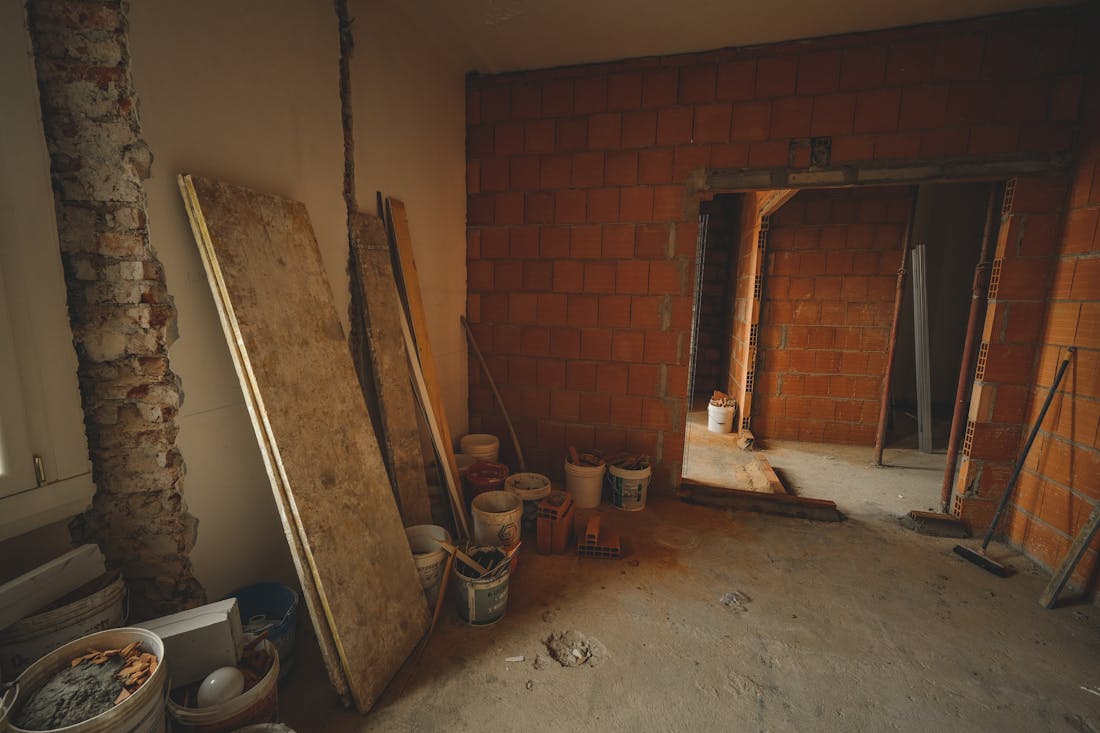
Every line on a restoration invoice should have a photo behind it. When the documentation matches the scope one-to-one, approvals speed up and supplements get accepted instead of fought.
Keep it organized by loss, not by phone
A restoration job can generate hundreds of photos across a week of work and multiple techs. If they're scattered across personal phones, assembling the claim packet becomes a second job. Capturing everything into one place, organized by loss and time-stamped automatically, means the packet is ready the moment the job is.
WorkSiteCam gives every crew a one-tap camera that GPS- and time-stamps each photo, files it to the right job automatically, and turns the whole record into a branded report in seconds. Book a free 15-minute demo and see it on your own jobs.


