How every job
proves itself.
Capture the work, track every phase, and settle the argument before it starts — with job site documentation and AI shortcuts built for every trade on every job.


14 days free, nothing charged until day 15 · no contract · works with no signal · your records stay yours
The camera roll was never going to hold up.
No job number, no timestamp anybody trusts, and nine weeks later nobody can find the one photo that matters. This is what replaces it.
Photo to branded report
The report writes itself from the photos your crew already took. Read it, send it, done.
Works with no signal
Shoot all day underground or out of range. It syncs itself when you get back in range.
Tagged and filed for you
AI reads what’s in frame and files the photo to the right job. Nobody names anything.
The whole crew, one feed
Every truck shooting into the same job record instead of six separate camera rolls.
Four things happen. You only do the first one.
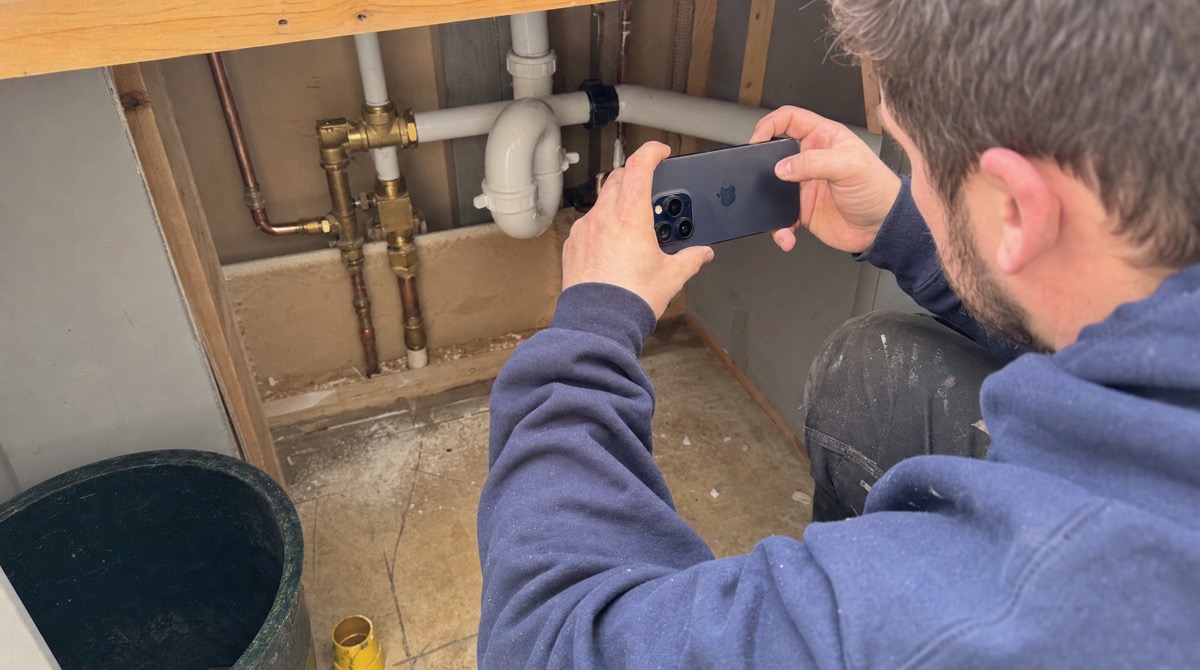
Take the photo. That’s your part.
One tap, glove-friendly, right on the job. No forms, no naming, no picking a folder — and no signal required.
- Burst-shoot a whole roof or room in seconds
- Video, voice notes and document scans in the same place
- Annotate right on the photo when it matters
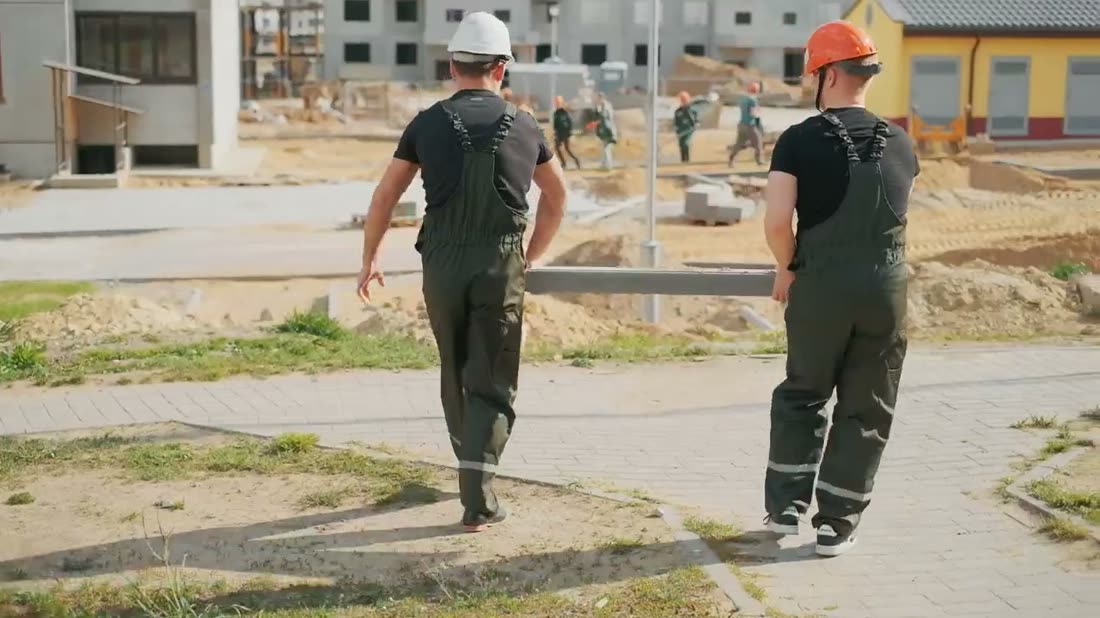
It stamps and files itself.
GPS, time, crew name and job number are burned in at capture. The AI reads what’s in frame and tags it before you’ve put the phone away.
- Location and timestamp nobody can dispute later
- Vision AI tags shingles, flashing, panels, valves
- Damage flagged automatically for review
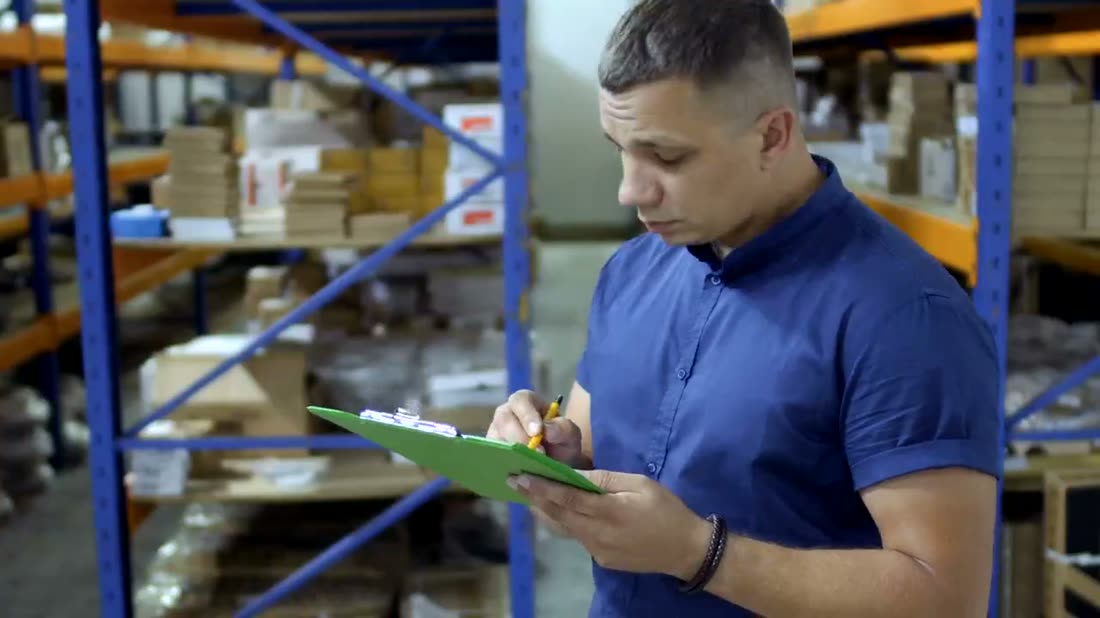
The report is already written.
A branded PDF the client signs, built from the day’s photos with the daily log written for you. Two taps and it’s out the door.
- Your logo, your layout, your template
- Daily log generated from what the crew shot
- Send as a link or a PDF — client needs no account
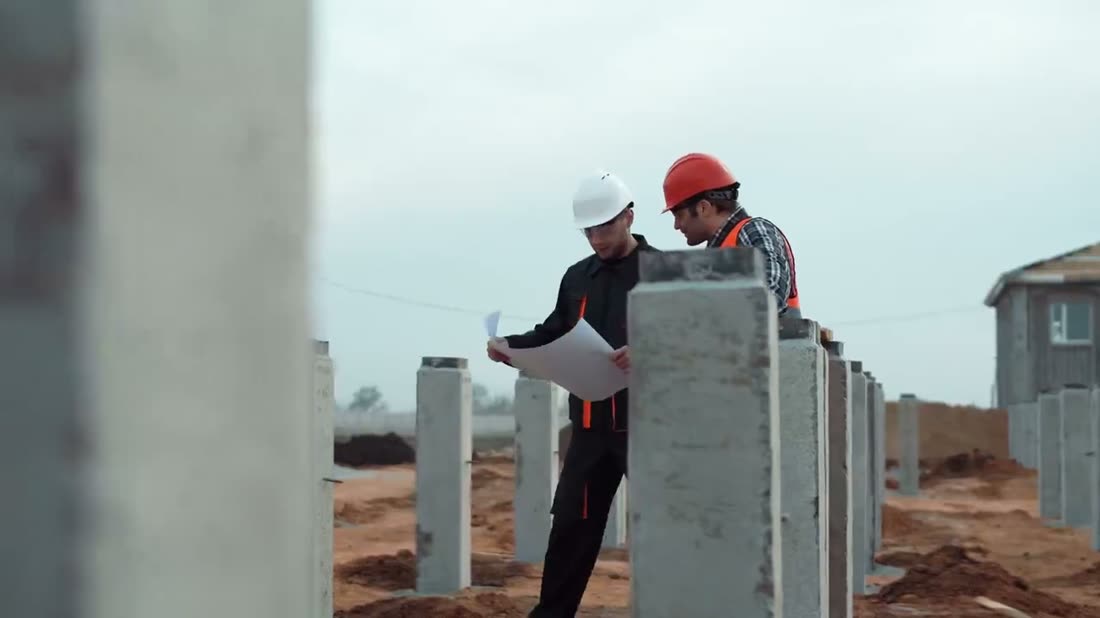
They watch instead of calling.
Homeowners see the job move in their own view, and the review request goes out when the work closes — not three weeks later.
- Live job view, no app for them to install
- Review requests sent at the right moment
- Payment collected at the tailgate
More than a camera. It’s the whole job record.
LiDAR measuring, 3D walk-throughs, AI reports, proposals, marketing — all of it running off the photos your crew already takes.
LiDAR measuring on the phone
Point the phone and pull real dimensions off the job — room sizes, roof runs, pipe lengths. No tape, no second trip, no guessing off a photo.
3D walk-throughs
Scan a whole space and hand back a walk-through anyone can move around in. Before demo, before drywall, and again at handover.
Stamped photo & video capture
GPS, time, crew name and job number burned in at capture — including video and voice notes. Works with no signal.
Vision AI tagging & defect detection
The AI reads what’s in frame, tags it, and flags damage — hail strikes, cracked flashing, corrosion — before your crew even labels it.
Reports & daily logs written for you
A branded PDF the client signs, plus the daily log, generated from the day’s photos. Your logo, your template, two taps.
AI proposals & price book
Scope drafted from the photos, priced off your own line items, e-signed on site with the deposit collected before you leave.
Marketing suite
AI writes the caption and picks the shots — a month of social posts out of one week of jobs, plus a website gallery that updates itself.
Reviews, CRM & payments
Review requests sent when the job closes, customer history in one place, and payment taken at the tailgate instead of chased on Friday.
Crew sync, subs & client portal
Every truck and sub shooting into the same job record, and a live view the homeowner watches instead of calling you.
Same app. Different fight.
Prove the slope, the strike and the sequence.
Hail, wind, flashing, decking — photographed before and after, tagged by the AI, and stamped with the time nobody can argue with. The adjuster gets a report, not a text thread.
Try it on your next job →What contractors say about it.
Homeowner swore the cracked vent was our doing. Pulled up the 7:40am shot from before we set a ladder, sent the report, and that was the end of it. Would have been a $3,400 argument.
Dave Mackie
Owner · Mackie Roofing, Surrey BC
I had four guys on it by lunch and nobody asked me a single question about how it works. They take the photo. That’s it. Nothing else to teach.
Tony Reyes
Foreman · Cascade Heating & Air, Kelowna BC
I used to spend Sunday afternoons building reports out of three guys’ camera rolls. Now I read what the app wrote, hit send, and I’m done in ten minutes.
Marcus Bell
Owner · Bell Plumbing & Drain, Abbotsford BC
The walk-through is the one I didn’t expect to care about. We scan the whole basement before drywall and nobody opens a wall on a guess anymore.
Priya Chandra
Operations · Northline Electric, Burnaby BC
We were $2k over the other bid and still got the job. The homeowner said our report looked like a real company. That report took two taps.
Ryan Poulin
Owner · Poulin Contracting, Langley BC
Six subs, one job record, one timeline. I stopped chasing people for photos of the same room. That alone is worth what we pay.
Alicia Nowak
Project Manager · Meridian Restoration, Richmond BC
Zero bars, basement, back forty. It still works.
Shoot all day with no signal — everything queues on the phone and syncs the second you’re back in range. Nothing lost, nothing re-shot, nothing to remember.
- Offline capture — shoot with no bars, syncs later, nothing lost.
- Encrypted storage — photos secured at rest and in transit.
- You own your data — full export any time, original resolution.
- Real human support — replies signed by a name, not a ticket number.
What crews ask first.
Watch the whole thing in five and a half minutes.
A full walkthrough — the dashboard, how your crew’s photos land on the job with the time and location already on them, the assistant, crew time tracking, and measuring straight off a photo.
No sign-up to watch. Open it on its own page →
Put it on your next job.
See it in one afternoon.
14 days free, nothing charged until day 15, nothing to set up, and your crew already knows how to use it — they take the photo, the app does the rest.
Works offline · built for residential trade crews